Money · Accounting
Books that a business owner can actually read
Every invoice, bill, payment and payslip posts to a proper double-entry ledger in the background. You see it the way you think about it: who owes you, who you owe, what is in the bank.
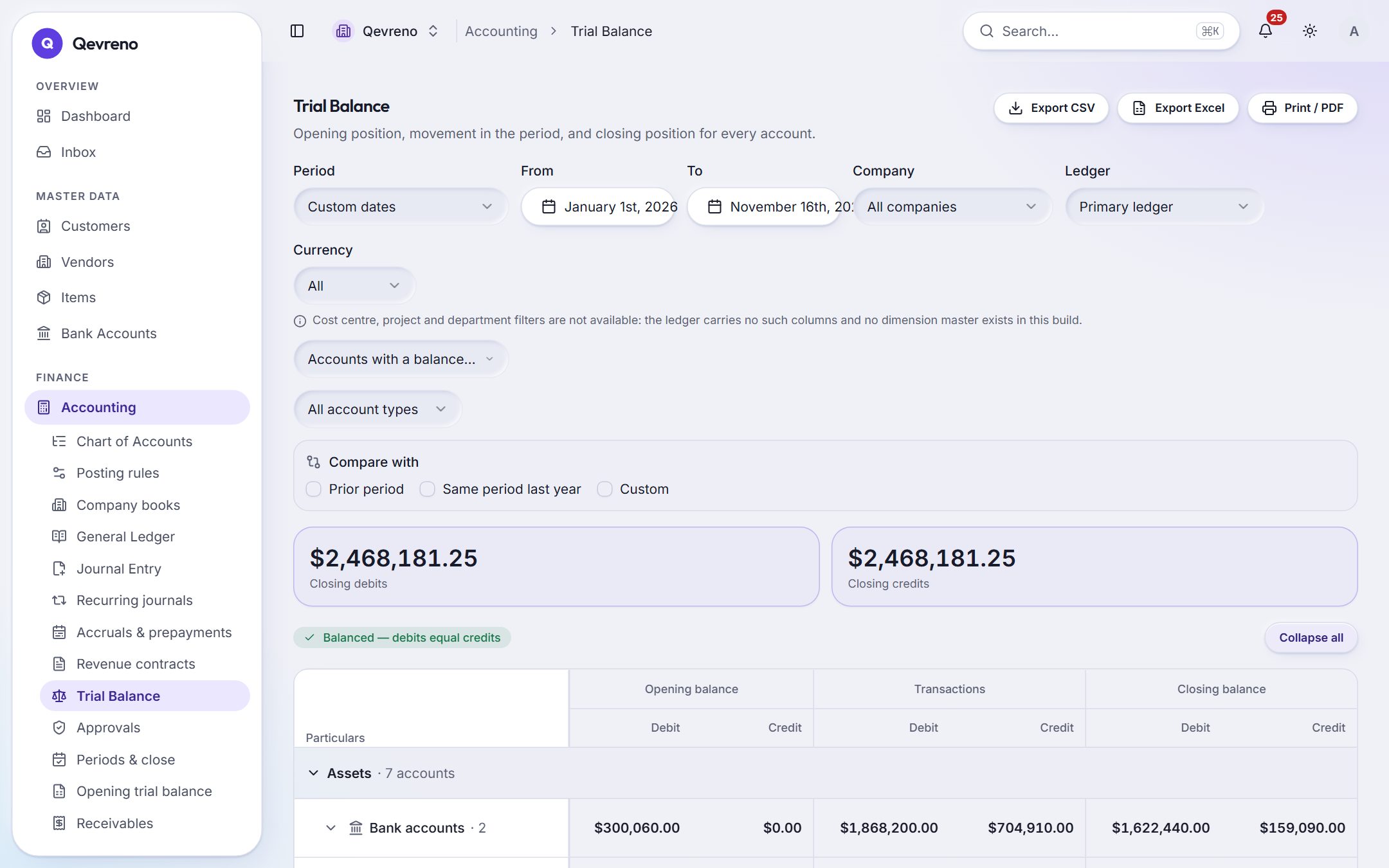
The real screen, with a demo company’s data.
What you can do with accounting
A trial balance you can open up
Click Receivables and see each customer. Click Bank and see every account. Click any line and see the entries behind it, down to the document that made them.
Journals with guard rails
Manual journals must balance before they post. Recurring journals raise themselves on schedule; accruals reverse automatically on the first day of the next period.
Close a month properly
Lock a period and nothing can be posted into it — not by a person, not by an automation. Opening balances, the next fiscal year and an opening trial balance are built in.
Nothing is ever deleted
The ledger is append-only. A mistake is corrected with a reversal that names the entry it reverses, so the history always adds up.
Approvals where they matter
Send journals, bills and payments above a limit for approval. The approver sees exactly what will post before it does.
Revenue, assets and more
Revenue contracts, prepayments, fixed assets with depreciation and impairment, budgets and statements with comparatives — all from the same ledger.
How it works
In 4 steps
- 1
Create your company with its base currency and fiscal year; a starter chart of accounts is ready for you.
- 2
Enter opening balances, or bring them in as an opening trial balance.
- 3
Work normally: invoices, bills, bank and payroll post themselves.
- 4
At month end, check the trial balance, reconcile the bank and lock the period.
Good to know
Do I need to understand debits and credits?
No. Day to day you raise invoices, record bills and press OK on bank lines; Qevreno posts the double entry. The ledger, journals and trial balance are there when you or your accountant want them.
Can my accountant work in the same books?
Yes. Invite them as a user with the role you choose. Accounting firms can also see all the companies they look after on one screen.
Can I correct a posted entry?
Yes — by reversing it. Posted entries are never edited or deleted, so every correction stays visible and the books always reconcile.
Works together with
See accounting with your own numbers
Book a demo and we will walk through your books, your bank and your payroll with you — or create your company and look around on your own.