Money · Bills & expenses
Bills in, payments out, nothing lost in between
Take a photo of a supplier bill and Qevreno reads it into a draft for you to check. Approve it, pay it, and the vendor’s statement, your payables and the bank all agree.
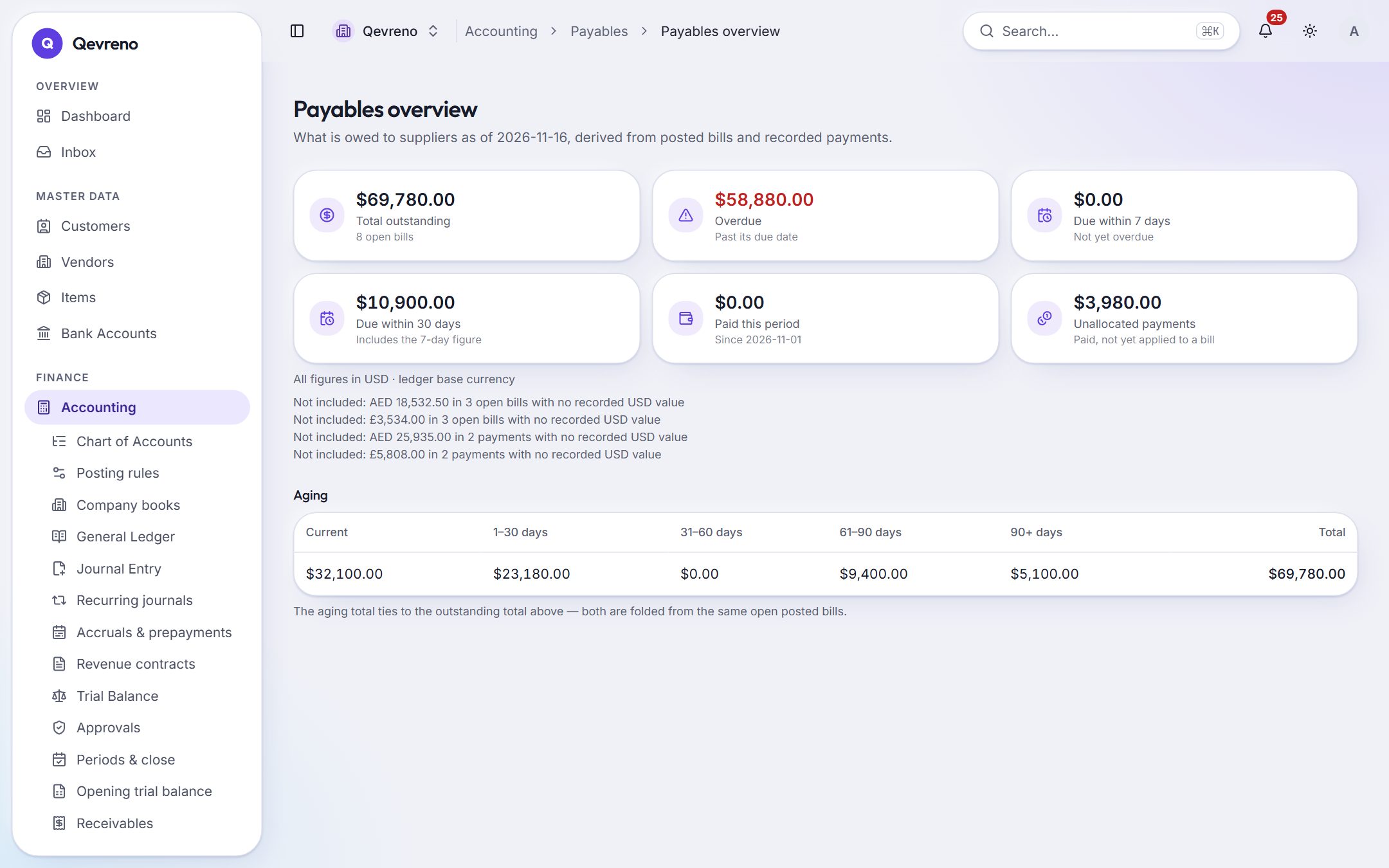
The real screen, with a demo company’s data.
What you can do with bills & expenses
Photo to draft bill
Upload or snap a bill. Qevreno reads the supplier, the date, the lines and the tax into a draft — and refuses to guess when something is ambiguous.
Purchase orders and goods receipts
Order, receive and bill with a three-way match, so you only pay for what arrived.
Payments and allocations
Pay one bill or several, allocate the payment, and see what is still open on each.
Vendor statements and aging
Every supplier’s balance, aged and clickable down to the bill.
Expense claims
Employees submit expenses with receipts; managers approve; finance reimburses.
Debit notes and returns
Supplier credits and returns post properly and reduce what you owe.
How it works
In 3 steps
- 1
Snap or upload the bill — or enter it by hand.
- 2
Check the draft Qevreno prepared and post it.
- 3
Pay it when it is due; record the payment or let the bank reconciliation find it.
Good to know
What happens if the photo is unclear?
Qevreno leaves the unclear fields for you instead of guessing. Nothing posts until you have checked the draft.
Works together with
See bills & expenses with your own numbers
Book a demo and we will walk through your books, your bank and your payroll with you — or create your company and look around on your own.